
 Anata Intelligence
 Shipping OS
Social commerce integration
Social-commerce momentum without a separate operating lane.
Bring TikTok Shop orders into the supported fulfillment and reporting workflows used across Anata.

One connected path from channel activity to the work your team carries forward.
What connects
The context that makes the workflow useful.
The connection carries the specific order, account, campaign, or shipment context the next step needs.
01
Shop orders
02
Order details used for fulfillment
03
Inventory context
04
Shipment workflow
How it moves
A clear handoff from connection to action.
1
Connect
Authorize the shop and identify the fulfillment workflow that will handle its orders.
2
Coordinate
Bring supported order and inventory context into the operating queue.
3
Deliver
Carry the order through the applicable shipping, tracking, and reporting workflow.
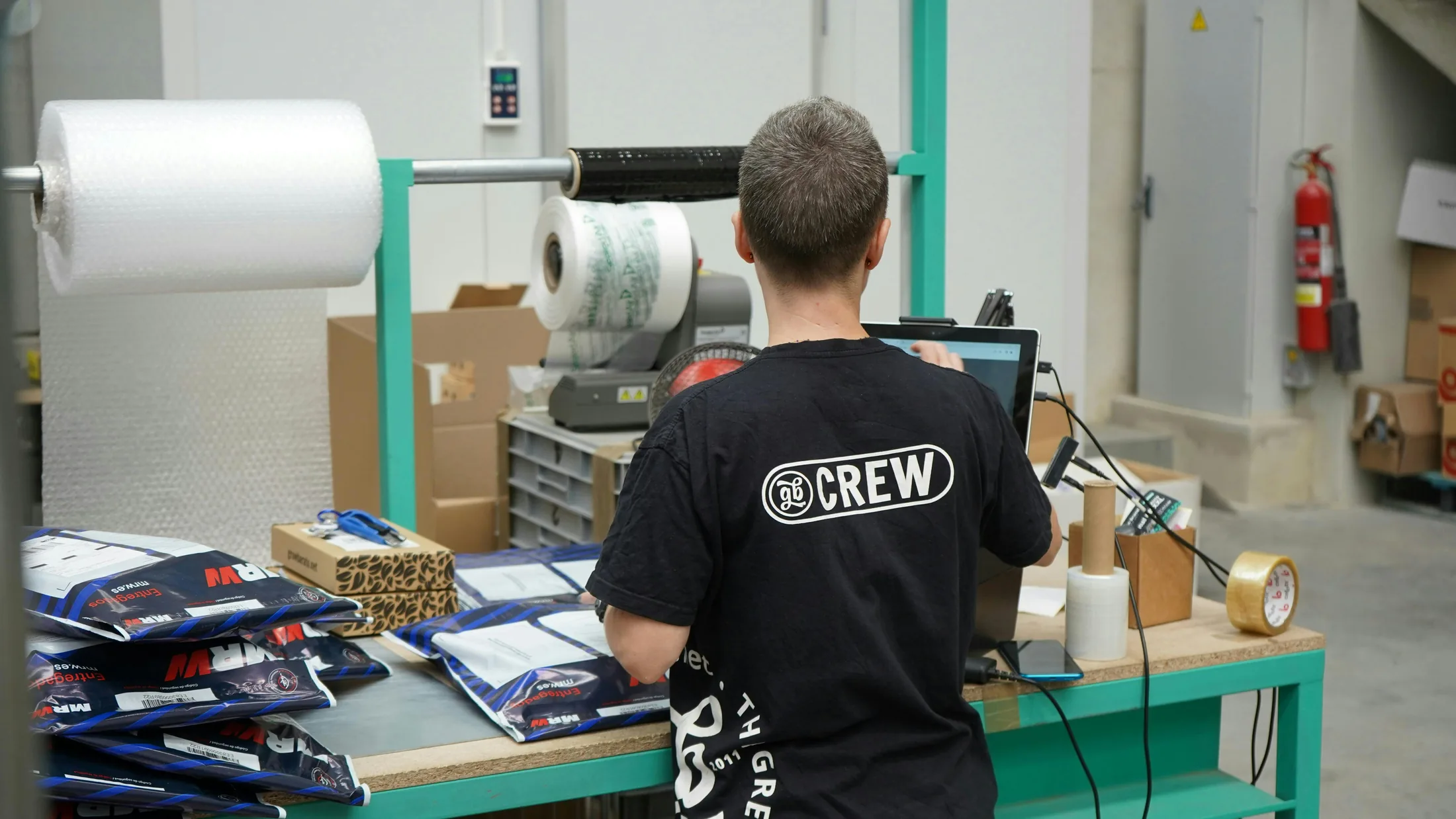
What it changes
Less fragmented work after the connection.
Social-commerce orders in the same operating flow
Less separate handling for TikTok Shop
Channel growth connected to the work required to deliver it
Before you connect
Have these pieces ready.
- An active TikTok Shop account
- Permission to authorize the connection
- A defined fulfillment origin and process
A practical boundary.
Channel features and data access depend on the shop, region, and permissions available through TikTok Shop.
Questions
What teams usually want to know.
Can TikTok Shop orders run beside other channels?
Yes. The purpose of the connection is to keep supported social-commerce orders inside the same operating flow used for other connected channels.
Does Anata manage the TikTok Shop itself?
Anata offers a separate TikTok Shop management service. The integration page covers the connection into supported software and fulfillment workflows.
Continue from here